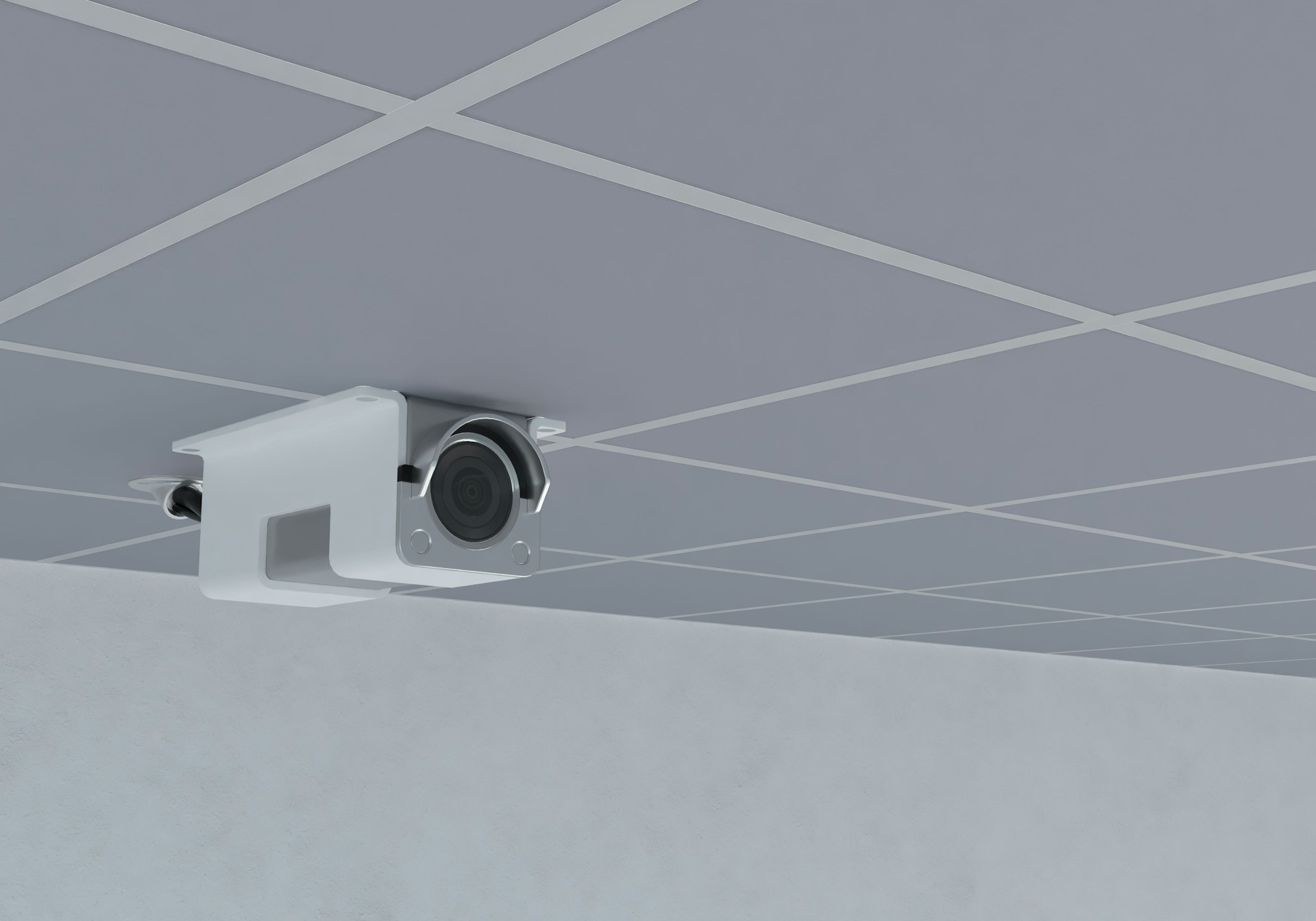
When Should You Upgrade Business Security Cameras
Business security cameras do more than just capture footage. They bring peace of mind to the people who work in and manage a building. A good camera system helps keep daily operations running smoothly and adds a sense of control when things don’t go as planned.
But like any technology, cameras don’t last forever. Over time, older systems can start missing key details or become harder to manage. If we watch for the signs and think ahead, we can upgrade before small problems become big ones. Staying ahead helps keep security solid and teams focused on their work. Regular checks, awareness, and an openness to adjust when things change are all part of making sure cameras stay reliable.
Signs Your Current Cameras Aren’t Doing the Job
If our business has cameras that have been in place for a long time, it’s smart to ask how well they’re actually working. Sometimes the gaps sneak up on us and aren’t always obvious. Cameras can be quietly failing for weeks or months if nobody’s checked the footage carefully.
Video that used to be clear now looks blurry or dark
Cameras don’t record consistently or miss parts of the day
Certain corners or work zones no longer have coverage
Camera software doesn’t connect well with other systems
Managers or staff flag spots where video is missing or unclear
These little warning signs usually point to bigger issues. When cameras don’t show what's happening clearly, it gets harder to respond quickly or understand what happened after the fact. If there’s an incident and the video doesn’t help, the frustration can add up fast. That can add stress to everyone’s day, especially when something unexpected occurs. A sense of not knowing what’s going on can be distracting or even create worry for staff who work late shifts or handle sensitive materials.
We help businesses address these warning signs with professional assessments and reliable upgrades. Our team knows how to spot small issues before they turn into bigger risks, making sure coverage always matches your needs.
What Changes at Your Business Might Call for Better Coverage
Even if old cameras are still working, they might not be keeping up with how our workplace looks or runs now. Businesses change. Teams grow, schedules shift, and buildings get rearranged. That all impacts how we use video coverage in our daily work.
A larger team means more people coming and going throughout the day
More deliveries or visitors introduce new movement patterns
Updates to the building layout may leave some spaces unmonitored
New doors, pathways, or high-value equipment create added risks
We often don’t think about cameras during routine changes. But new entry points or busier shared areas can leave old systems behind. Expanded office spaces, new cubicles, or walls moved for safety protocols can all affect what your cameras actually see. If our cameras aren’t reflecting how people actually move through the building, it might be time for a new setup that actively follows those changes and adapts as the business grows and shifts direction.
Our security camera solutions are custom designed to grow with your business and help you adapt as spaces and routines change. We work with a wide range of layouts, from corporate offices to warehouses and retail settings.
How New Features Can Make a Real Difference
Modern business security cameras offer more than just better picture quality. They help us stay alert, notice patterns quickly, and check footage without needing to be on-site. Today’s systems bring peace of mind for business owners, IT support, and anyone who needs a fast answer or to double-check an event.
High-definition footage makes it easier to identify people or details, even in low light
Smart alerts can trigger for motion, sound, or door activity
Remote access means we can check live views or past clips using a phone or laptop
Those features might seem small, but they save time and lower stress. Whether it’s confirming a delivery after hours or reviewing an issue from earlier in the day, clearer video and easier access let us spend less time worrying and more time solving problems. Features like remote access help managers respond quickly and allow IT staff to resolve issues before they become security risks. Fast backups, real-time notifications, and the ability to share video clips with the right people, instead of just watching in the office, can make the workday less stressful and more secure.
Our installations include features such as remote access, video analytics, and integration with your other security tools, helping you get the most out of every camera you install.
Timing Matters: Why Winter Can Be a Good Season to Upgrade
Winter actually works in our favor when it comes to upgrading systems. Fewer construction projects and less scheduled movement around the office make it easier to install equipment with minimal disruption. In winter months, sunlight is limited, highlighting weak spots in nighttime coverage and helping managers spot blind spots sooner. Many businesses find there is less foot traffic in certain hallways or common areas, giving us the chance to make adjustments with less interruption.
Many workspaces are quieter in winter, making it easier to test or adjust camera placement
Earlier sunsets highlight where current cameras might miss nighttime movement
Upgrading now sets us up for stronger security by the time spring brings busier activity
Shorter days are a real stress test. If there are blind spots when daylight is limited, they tend to show up fast. Low light can reveal camera weaknesses that weren’t obvious in the summer. Fixing that now helps us avoid scrambling later when the pace of the day picks up, and keeps daily routines from being interrupted by maintenance or upgrades when things are busiest. Getting ahead of the busy spring and summer rush is one of the most practical ways to make sure everything is covered and works smoothly before business activity ramps up again.
Secure Setups Keep Work on Track
Keeping our business security cameras up to date isn’t just about fixing what’s broken. It’s about staying ready, well before problems show up. The right upgrades at the right time mean fewer headaches, clearer video, and better support for everyone at work.
Security tools work best when they match how we use our space. As routines shift or businesses grow, camera systems should follow along. That steady coverage helps teams feel supported and focused. When security is running smoothly in the background, people can focus on the work right in front of them.
When your current system isn’t keeping up, making a change can streamline daily operations and keep your business protected. New features and improved design let you see more clearly, respond more quickly, and prevent important areas from falling through the cracks. We want to help ensure your setup reflects the real way your space is used, not how it worked years ago. To learn how we can improve your coverage with updated business security cameras, contact S2 Technology Services today.
