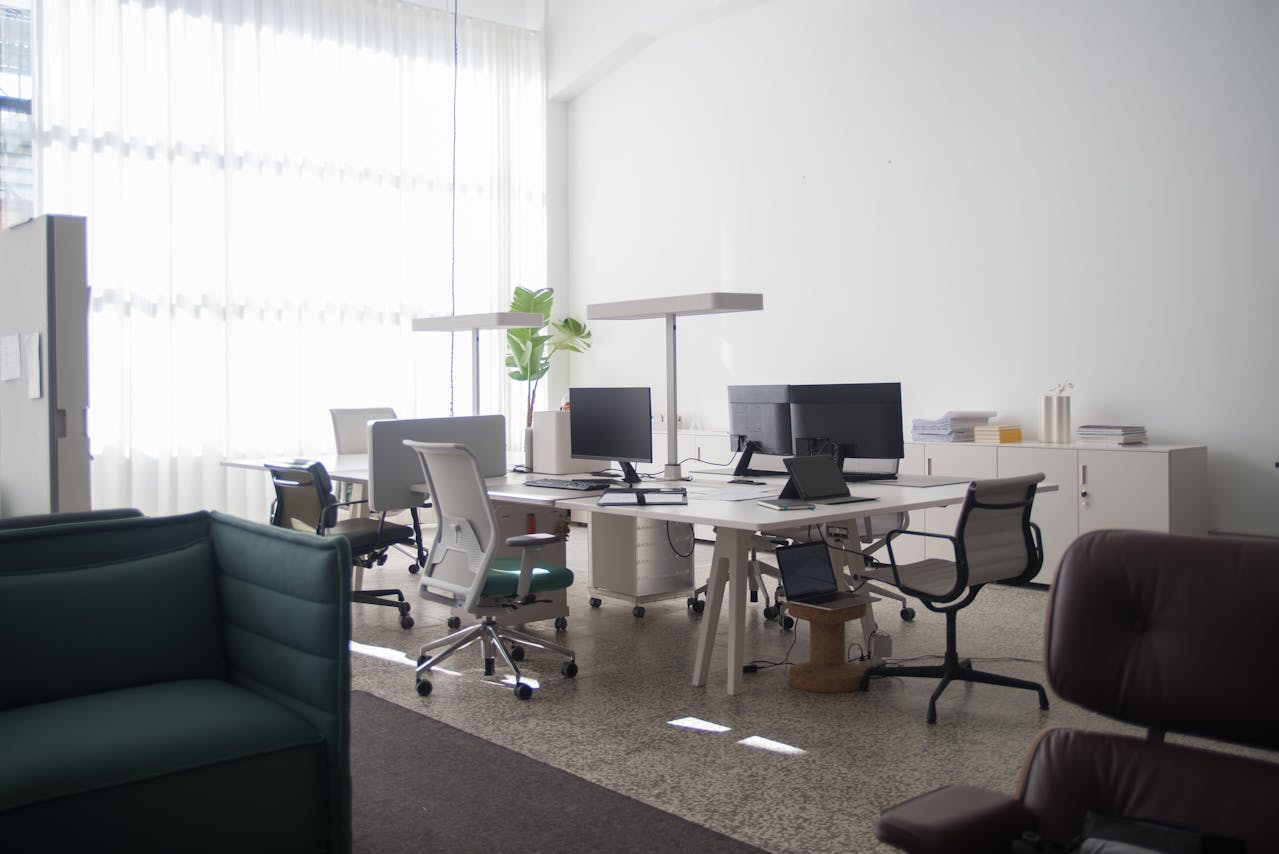
Do You Need a Camera System for a Business Office
A camera system for a business office might seem like more than you need, especially if your space doesn’t deal with high foot traffic or after-hours activity. But even quieter workplaces have risks that are easy to overlook until something goes wrong.
Whether you're in charge of a small team or managing a large floor, security matters. Equipment theft, break room disputes, or mystery badge-in events pop up more often than you'd think. A camera system doesn’t have to be intrusive to be useful. It helps answer everyday questions like who came in when, or what happened after hours.
Let’s look at why these systems often make sense, even in offices without major security problems.
Why Office Settings Still Need Surveillance
It’s easy to think offices aren't a big target. You might not have warehouse goods, cash drawers, or customer inventory. But workplaces still carry unique risks that cameras help address.
Staff theft can range from small supplies to larger data or equipment loss
Unauthorized access to places like HR files or secure server cabinets can create real issues
After-hours incidents, whether accidental or suspicious, leave fewer witnesses
Video footage gives you peace of mind and fills in gaps when no one’s around. More than that, it adds context if someone files a complaint or if a claim doesn’t quite line up. Having that extra layer can settle questions quickly. Even just knowing cameras are up helps discourage behavior that doesn’t belong in a work setting.
We have installed video surveillance systems in business offices of all sizes, using solutions designed to fit workplaces that deal with confidential records, visitor management, or valuable equipment.
Key Features to Look For in Office Security Cameras
Not all cameras are built for office use. A camera system for a business should work in your space without standing out, but still do its job well.
Look for features like:
High-resolution video, so you can clearly identify people or watch events again without blurry playback
Motion-triggered alerts to flag unusual movement without constant monitoring
Local or cloud storage options to save clips securely over time
Integration with access control or alarm systems, so everything connects when something happens
Indoor systems don’t deal with rain or snow, but that doesn’t mean you should settle for basic models. Wall styles, low-light settings, or furniture placement can all affect what’s captured. Some cameras come in small designs that blend in with light fixtures or ceiling tiles, helping them fit without calling attention.
We offer unified setups that tie video surveillance into access control or other systems, so managers quickly see a full picture of office activity.
Where to Place Cameras Inside the Office
Every office has a few areas that tell the full story of who’s coming and going. Placing cameras in the right spots makes the system more effective and builds a clear timeline if anything happens.
Good places to start:
Entryways and exits so you can see everyone who enters and leaves
Reception desks or visitor check-in spots
Equipment rooms or IT stock closets where high-value gear is kept
File rooms, HR offices, or other places where access should be limited
Break rooms, hallways, or shared desks where small issues can add up over time
There’s always a balance to strike between workplace transparency and employee comfort. Cameras don’t belong inside bathrooms or personal offices. But light coverage in shared zones can help head off issues before they turn into big problems.
When a Camera System Might Not Be Enough
Even the best camera can only report a problem, it can’t stop it from happening. Cameras are most useful when they’re part of a larger setup that includes other systems.
For example:
Adding access control to sensitive doors makes it easier to track credential use
Tying in alarms on exterior doors after-hours adds backup if motion is caught or something’s opened
Using remote support or monitoring tools lets someone respond even when no one is on-site
What we’ve seen is that offices run into issues when cameras are treated as a one-stop fix. A strong security setup should connect all parts of your space and make it easier to manage from one place. If the system is too complicated or isn’t installed correctly, it can actually add to the confusion during an emergency.
With unified technology integrations, we help businesses make sure each camera and control solution fits together in an easy-to-manage way.
The Right System Depends on Your Work Style
Every office works a different way, so the best system is the one that fits how your team uses the space. A camera system for a business office can be about more than security, it can improve how you respond to surprises or look back at incidents that didn’t get spotted in the moment.
If you handle sensitive data, work with visitors, or have expensive equipment in day-to-day use, your workspace is worth keeping an eye on. Even changes like growing your team, adding new technology, or reorganizing space can increase the reasons for setting up a solid system.
In the end, investing in the right tools gives you more freedom to focus on work. When the setup supports how your team operates, it doesn’t just protect, it helps the day run more smoothly. And that’s worth planning for.
At S2 Technology Services, we work closely with businesses to implement the right tools, making office spaces safer, more efficient, and easier to manage. Whether you need to upgrade your existing setup or are building from the ground up, selecting the right equipment can make all the difference. Unsure where to begin? Our team can guide you through your options for a camera system for a business that fits your workspace. Contact us today to discuss your needs and see how we can help.
